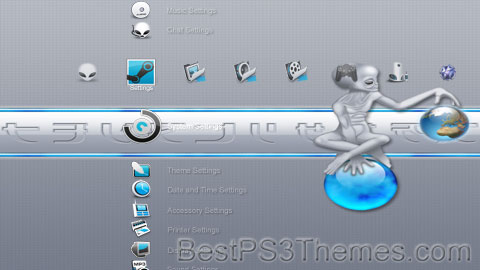
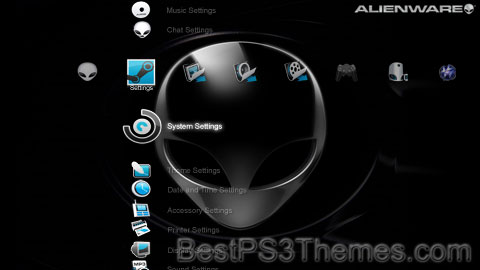
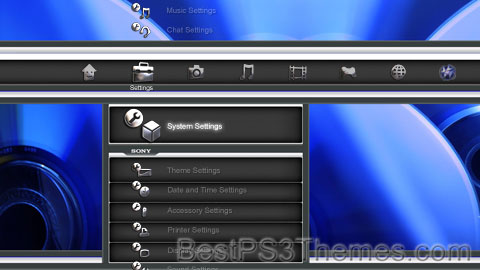
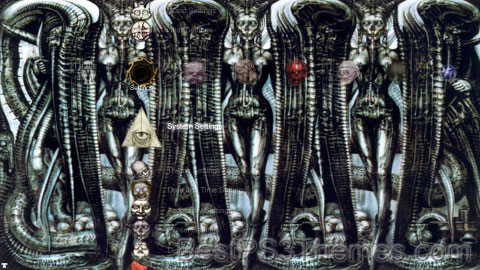
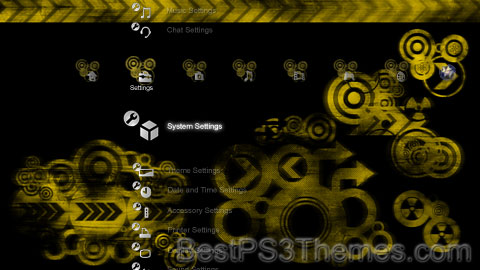
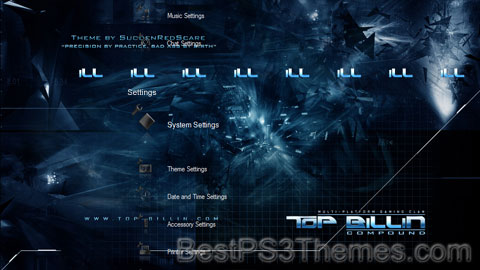
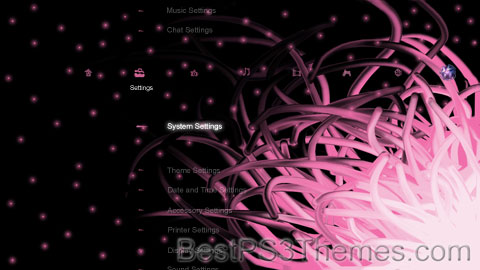
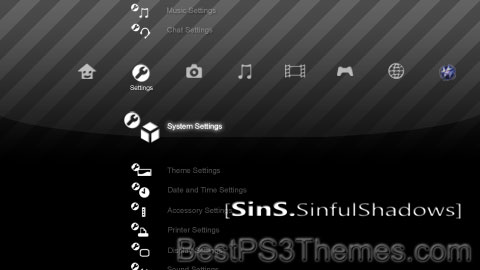
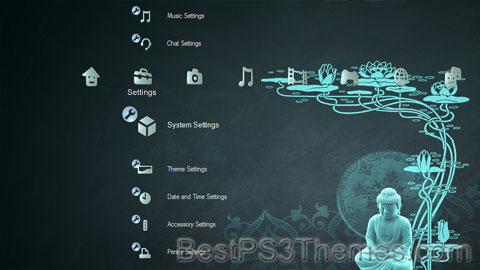
This program unpacks Playstation 3 Theme files (.p3t) so that you can touch-up an existing theme to your likings or use a certain wallpaper from it (as many themes have multiple). But remember, if you use content from another theme and release it, be sure to give credit!
Download p3textractor.zip from above. Extract the files to a folder with a program such as WinZip or WinRAR. Now there are multiple ways to extract the theme.
The first way is to simply open the p3t file with p3textractor.exe. If you don’t know how to do this, right click the p3t file and select Open With. Alternatively, open the p3t file and it will ask you to select a program to open with. Click Browse and find p3textractor.exe from where you previously extracted it to. It will open CMD and extract the theme to extracted.[filename]. After that, all you need to do for any future p3t files is open them and it will extract.
The second way is very simple. Just drag the p3t file to p3textractor.exe. It will open CMD and extract the theme to extracted.[filename].
For the third way, first put the p3t file you want to extract into the same folder as p3textractor.exe. Open CMD and browse to the folder with p3extractor.exe. Enter the following: p3textractor filename.p3t [destination path]Replace filename with the name of the p3t file, and replace [destination path] with the name of the folder you want the files to be extracted to. A destination path is not required. By default it will extract to extracted.filename.
This program unpacks Playstation 3 Theme files (.p3t) so that you can touch-up an existing theme to your likings or use a certain wallpaper from it (as many themes have multiple). But remember, if you use content from another theme and release it, be sure to give credit!
Download p3textractor.zip from above. Extract the files to a folder with a program such as WinZip or WinRAR. Now there are multiple ways to extract the theme.
The first way is to simply open the p3t file with p3textractor.exe. If you don’t know how to do this, right click the p3t file and select Open With. Alternatively, open the p3t file and it will ask you to select a program to open with. Click Browse and find p3textractor.exe from where you previously extracted it to. It will open CMD and extract the theme to extracted.[filename]. After that, all you need to do for any future p3t files is open them and it will extract.
The second way is very simple. Just drag the p3t file to p3textractor.exe. It will open CMD and extract the theme to extracted.[filename].
For the third way, first put the p3t file you want to extract into the same folder as p3textractor.exe. Open CMD and browse to the folder with p3extractor.exe. Enter the following: p3textractor filename.p3t [destination path]Replace filename with the name of the p3t file, and replace [destination path] with the name of the folder you want the files to be extracted to. A destination path is not required. By default it will extract to extracted.filename.
This program unpacks Playstation 3 Theme files (.p3t) so that you can touch-up an existing theme to your likings or use a certain wallpaper from it (as many themes have multiple). But remember, if you use content from another theme and release it, be sure to give credit!
Download p3textractor.zip from above. Extract the files to a folder with a program such as WinZip or WinRAR. Now there are multiple ways to extract the theme.
The first way is to simply open the p3t file with p3textractor.exe. If you don’t know how to do this, right click the p3t file and select Open With. Alternatively, open the p3t file and it will ask you to select a program to open with. Click Browse and find p3textractor.exe from where you previously extracted it to. It will open CMD and extract the theme to extracted.[filename]. After that, all you need to do for any future p3t files is open them and it will extract.
The second way is very simple. Just drag the p3t file to p3textractor.exe. It will open CMD and extract the theme to extracted.[filename].
For the third way, first put the p3t file you want to extract into the same folder as p3textractor.exe. Open CMD and browse to the folder with p3extractor.exe. Enter the following: p3textractor filename.p3t [destination path]Replace filename with the name of the p3t file, and replace [destination path] with the name of the folder you want the files to be extracted to. A destination path is not required. By default it will extract to extracted.filename.
This disambiguation page lists articles associated with the title Chica. If an internal link led you here, you may wish to change the link to point directly to the intended article.
This program unpacks Playstation 3 Theme files (.p3t) so that you can touch-up an existing theme to your likings or use a certain wallpaper from it (as many themes have multiple). But remember, if you use content from another theme and release it, be sure to give credit!
Download p3textractor.zip from above. Extract the files to a folder with a program such as WinZip or WinRAR. Now there are multiple ways to extract the theme.
The first way is to simply open the p3t file with p3textractor.exe. If you don’t know how to do this, right click the p3t file and select Open With. Alternatively, open the p3t file and it will ask you to select a program to open with. Click Browse and find p3textractor.exe from where you previously extracted it to. It will open CMD and extract the theme to extracted.[filename]. After that, all you need to do for any future p3t files is open them and it will extract.
The second way is very simple. Just drag the p3t file to p3textractor.exe. It will open CMD and extract the theme to extracted.[filename].
For the third way, first put the p3t file you want to extract into the same folder as p3textractor.exe. Open CMD and browse to the folder with p3extractor.exe. Enter the following: p3textractor filename.p3t [destination path]Replace filename with the name of the p3t file, and replace [destination path] with the name of the folder you want the files to be extracted to. A destination path is not required. By default it will extract to extracted.filename.
This program unpacks Playstation 3 Theme files (.p3t) so that you can touch-up an existing theme to your likings or use a certain wallpaper from it (as many themes have multiple). But remember, if you use content from another theme and release it, be sure to give credit!
Download p3textractor.zip from above. Extract the files to a folder with a program such as WinZip or WinRAR. Now there are multiple ways to extract the theme.
The first way is to simply open the p3t file with p3textractor.exe. If you don’t know how to do this, right click the p3t file and select Open With. Alternatively, open the p3t file and it will ask you to select a program to open with. Click Browse and find p3textractor.exe from where you previously extracted it to. It will open CMD and extract the theme to extracted.[filename]. After that, all you need to do for any future p3t files is open them and it will extract.
The second way is very simple. Just drag the p3t file to p3textractor.exe. It will open CMD and extract the theme to extracted.[filename].
For the third way, first put the p3t file you want to extract into the same folder as p3textractor.exe. Open CMD and browse to the folder with p3extractor.exe. Enter the following: p3textractor filename.p3t [destination path]Replace filename with the name of the p3t file, and replace [destination path] with the name of the folder you want the files to be extracted to. A destination path is not required. By default it will extract to extracted.filename.
This program unpacks Playstation 3 Theme files (.p3t) so that you can touch-up an existing theme to your likings or use a certain wallpaper from it (as many themes have multiple). But remember, if you use content from another theme and release it, be sure to give credit!
Download p3textractor.zip from above. Extract the files to a folder with a program such as WinZip or WinRAR. Now there are multiple ways to extract the theme.
The first way is to simply open the p3t file with p3textractor.exe. If you don’t know how to do this, right click the p3t file and select Open With. Alternatively, open the p3t file and it will ask you to select a program to open with. Click Browse and find p3textractor.exe from where you previously extracted it to. It will open CMD and extract the theme to extracted.[filename]. After that, all you need to do for any future p3t files is open them and it will extract.
The second way is very simple. Just drag the p3t file to p3textractor.exe. It will open CMD and extract the theme to extracted.[filename].
For the third way, first put the p3t file you want to extract into the same folder as p3textractor.exe. Open CMD and browse to the folder with p3extractor.exe. Enter the following: p3textractor filename.p3t [destination path]Replace filename with the name of the p3t file, and replace [destination path] with the name of the folder you want the files to be extracted to. A destination path is not required. By default it will extract to extracted.filename.
This program unpacks Playstation 3 Theme files (.p3t) so that you can touch-up an existing theme to your likings or use a certain wallpaper from it (as many themes have multiple). But remember, if you use content from another theme and release it, be sure to give credit!
Download p3textractor.zip from above. Extract the files to a folder with a program such as WinZip or WinRAR. Now there are multiple ways to extract the theme.
The first way is to simply open the p3t file with p3textractor.exe. If you don’t know how to do this, right click the p3t file and select Open With. Alternatively, open the p3t file and it will ask you to select a program to open with. Click Browse and find p3textractor.exe from where you previously extracted it to. It will open CMD and extract the theme to extracted.[filename]. After that, all you need to do for any future p3t files is open them and it will extract.
The second way is very simple. Just drag the p3t file to p3textractor.exe. It will open CMD and extract the theme to extracted.[filename].
For the third way, first put the p3t file you want to extract into the same folder as p3textractor.exe. Open CMD and browse to the folder with p3extractor.exe. Enter the following: p3textractor filename.p3t [destination path]Replace filename with the name of the p3t file, and replace [destination path] with the name of the folder you want the files to be extracted to. A destination path is not required. By default it will extract to extracted.filename.
Budha is the planet that appears in various Hindu astronomical texts in Sanskrit, such as the 5th century CE Aryabhatiya by Aryabhatta, the 6th century CE Romaka by Latadeva and Panca Siddhantika by Varahamihira, the 7th century CE Khandakhadyaka by Brahmagupta, and the 8th century CE Sisyadhivrddida by Lalla.[6][7]: vii–xi These texts present Budha as one of the planets and find the characteristics of the respective planetary motions.[7]: vii–xi Other texts such as Surya Siddhanta dated to have been complete sometime between the 5th century CE and 10th century CE present their chapters on various planets with the mythologies of their gods.[7]: vii–xi
The manuscripts of these texts exist in slightly different versions, present Budha's motion in the skies, but vary in their data, suggesting that the text were open and revised over their lives. The texts slightly disagree in their data, in their measurements of Budha's revolutions, apogee, epicycles, nodal longitudes, orbital inclination, and other parameters.[7]: ix–xi For example, both Khandakhadyaka and Surya Siddhanta of Varaha state that Budha completes 17,937,000 revolutions on its own axis every 4,320,000 years, and had an apogee (aphelia) of 220 degrees in 499 CE; while another manuscript of Surya Siddhanta increases the revolutions by 60 to 17,937,060, and the apogee to 220 degrees and 26 seconds.[7]: ix–x
The 1st millennium CE Hindu scholars had estimated the time it took for sidereal revolutions of each planet including Budha, from their astronomical studies, with slightly different results:[7]: 26–27
Sanskrit texts: How many days for Budha (Mercury) to complete its orbit?
Budha is a god in Hindu mythology and is the son of Chandra and Rohini[4] or Tara.[8][9] The events leading to his birth from the latter is detailed in the myth of the Tarakamaya War. Budha has a son, the king Pururavas, with his wife Ila.
Budha is the root of the word 'Budhavara' or Wednesday in the Hindu calendar.[2] The word "Wednesday" in the Greco-Roman and other Indo-European calendars is also dedicated to planet Mercury ("day of Odin").
Budha is part of the Navagraha in the Hindu zodiac system, considered benevolent, associated with an agile mind and memory. The role and importance of the Navagraha developed over time with various influences. Glorifying planetary bodies and their astrological significance occurred as early as the Vedic period and was recorded in the Vedas. The earliest work of astrology recorded in India is the Vedanga Jyotisha which began to be compiled in the 14th century BCE. The classical planets, including Mercury, were referenced in the Atharvaveda around 1000 BCE.
The Navagraha was furthered by additional contributions from Western Asia, including Zoroastrian and Hellenistic influences. The Yavanajataka, or Science of the Yavanas, was written by the Indo-Greek named "Yavaneshvara" ("Lord of the Greeks") under the rule of the Western Kshatrapa king Rudrakarman I. The Yavanajataka written in 120 CE is often attributed to standardizing Indian astrology. The Navagraha would further develop and culminate in the Shaka era with the Shaka, or Scythian, people. Additionally the contributions by the Shaka people would be the basis of the Indian national calendar, which is also called the Shaka calendar.
Budha's iconography, according to Roshen Dalal, is as a benevolent[10] male god with green body, draped into yellow clothes, holding a scimitar, a club, and a shield. He is riding a chariot, drawn by eight yellow horses; and in illustrations, he rides a lion and has four arms, and in Budha Temple he is depicted riding a lion.[2][11][12]
^Mani, Vettam (1975). Puranic Encyclopaedia: a Comprehensive Dictionary with Special Reference to the Epic and Puranic Literature. Motilal Banarsidass Publishers. p. 171. ISBN978-0-8426-0822-0.
^Dalal, Roshen (2010). Hinduism: An Alphabetical Guide. Penguin Books India. p. 394. ISBN978-0-14-341421-6.
This program unpacks Playstation 3 Theme files (.p3t) so that you can touch-up an existing theme to your likings or use a certain wallpaper from it (as many themes have multiple). But remember, if you use content from another theme and release it, be sure to give credit!
Download p3textractor.zip from above. Extract the files to a folder with a program such as WinZip or WinRAR. Now there are multiple ways to extract the theme.
The first way is to simply open the p3t file with p3textractor.exe. If you don’t know how to do this, right click the p3t file and select Open With. Alternatively, open the p3t file and it will ask you to select a program to open with. Click Browse and find p3textractor.exe from where you previously extracted it to. It will open CMD and extract the theme to extracted.[filename]. After that, all you need to do for any future p3t files is open them and it will extract.
The second way is very simple. Just drag the p3t file to p3textractor.exe. It will open CMD and extract the theme to extracted.[filename].
For the third way, first put the p3t file you want to extract into the same folder as p3textractor.exe. Open CMD and browse to the folder with p3extractor.exe. Enter the following: p3textractor filename.p3t [destination path]Replace filename with the name of the p3t file, and replace [destination path] with the name of the folder you want the files to be extracted to. A destination path is not required. By default it will extract to extracted.filename.